Building a PC Bootable USB from a Mac for Mold Shop Workstations
October 03, 2026
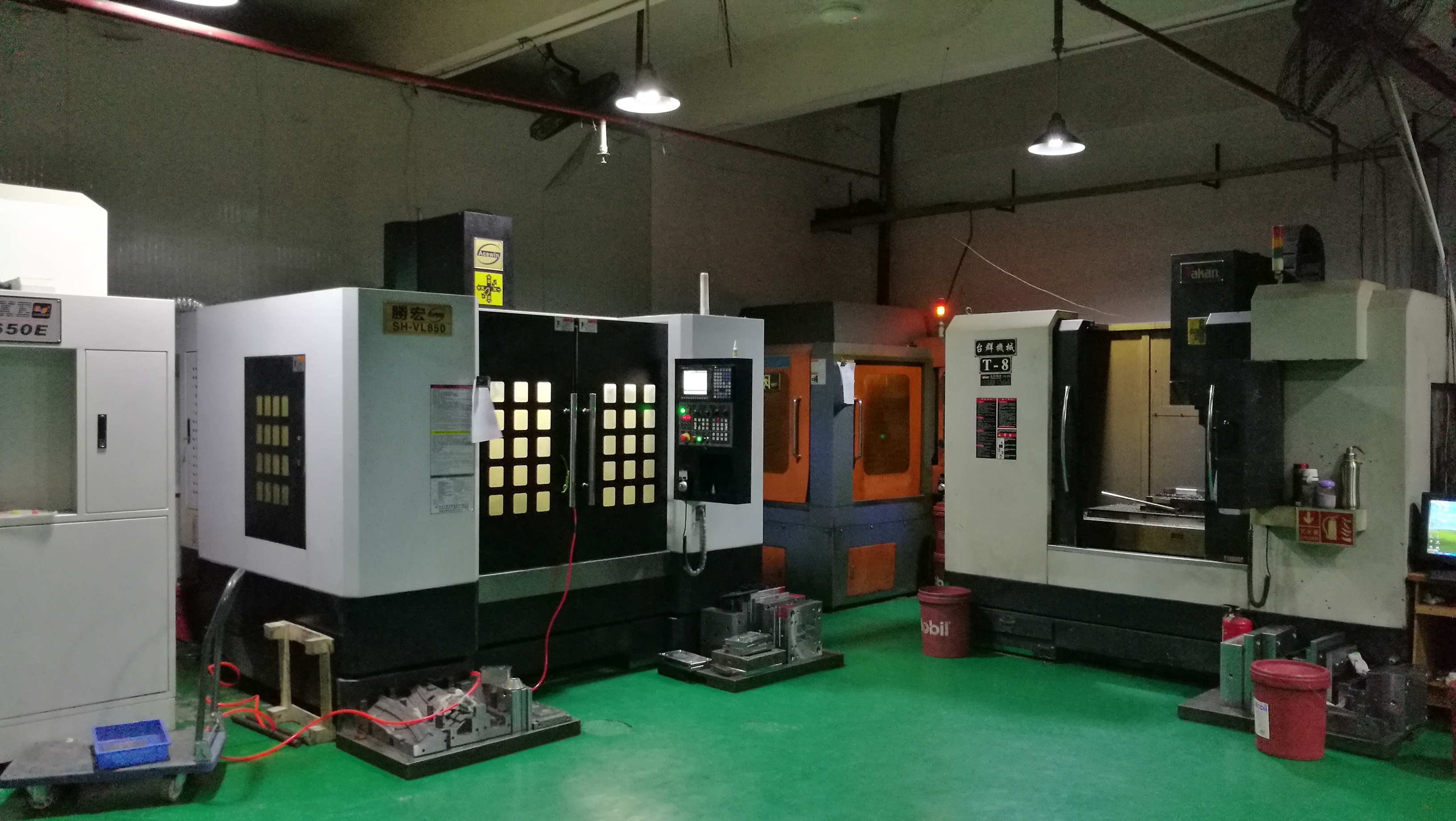
In mold shops, it is still common to find older industrial PCs running Windows 7 or 8 to drive CNC machines, EDMs, or CMM equipment. When one of these systems crashes, reinstalling the OS becomes unavoidable. The problem is that the only available computer might be a MacBook Air, and creating a Windows installation USB that a PC BIOS can actually boot from is not straightforward. The key is to use macOS Disk Utility and Terminal to write the Windows ISO to a USB drive. You must set the partition scheme to MBR and format the drive as FAT32—otherwise the older PC BIOS simply will not recognize it as bootable. This matters in mold shops because many control cabinets still use legacy BIOS rather than UEFI, and a wrong partition scheme means wasted hours on the shop floor.
From a mold engineer’s perspective, the USB drive should be at least 8 GB and preferably USB 2.0, since some older industrial motherboards have unreliable USB 3.0 support. After formatting, use the terminal command to copy the ISO contents, then manually make the drive bootable by marking the partition active. One practical detail: if the Windows ISO exceeds 4 GB, FAT32 will not accept the install.wim file. In that case, split the WIM using DISM or use a smaller Windows edition. Also, keep a spare USB drive in the tool crib—when a machine goes down, you do not want to hunt for one. Label it clearly and store it with the recovery discs for your CNCs and EDMs.
Once the USB is ready, test it on a bench PC before bringing it to the shop floor. Set the BIOS boot order to USB first, and confirm the installer loads. For mold shops running mixed hardware, this Mac-based method saves time and avoids depending on an external IT team. If you need more mold sourcing or technical resources, visit MoldWorld at www.moldw.com for industry-specific information and supplier connections.